There are several symptoms which can be caused by external software interfering with Lunar Client. These includes:
- Logos not appearing in the tab list
- Locker/Satellite not loading
- Failures signing into the Launcher/Game
- The Launcher not loading at all
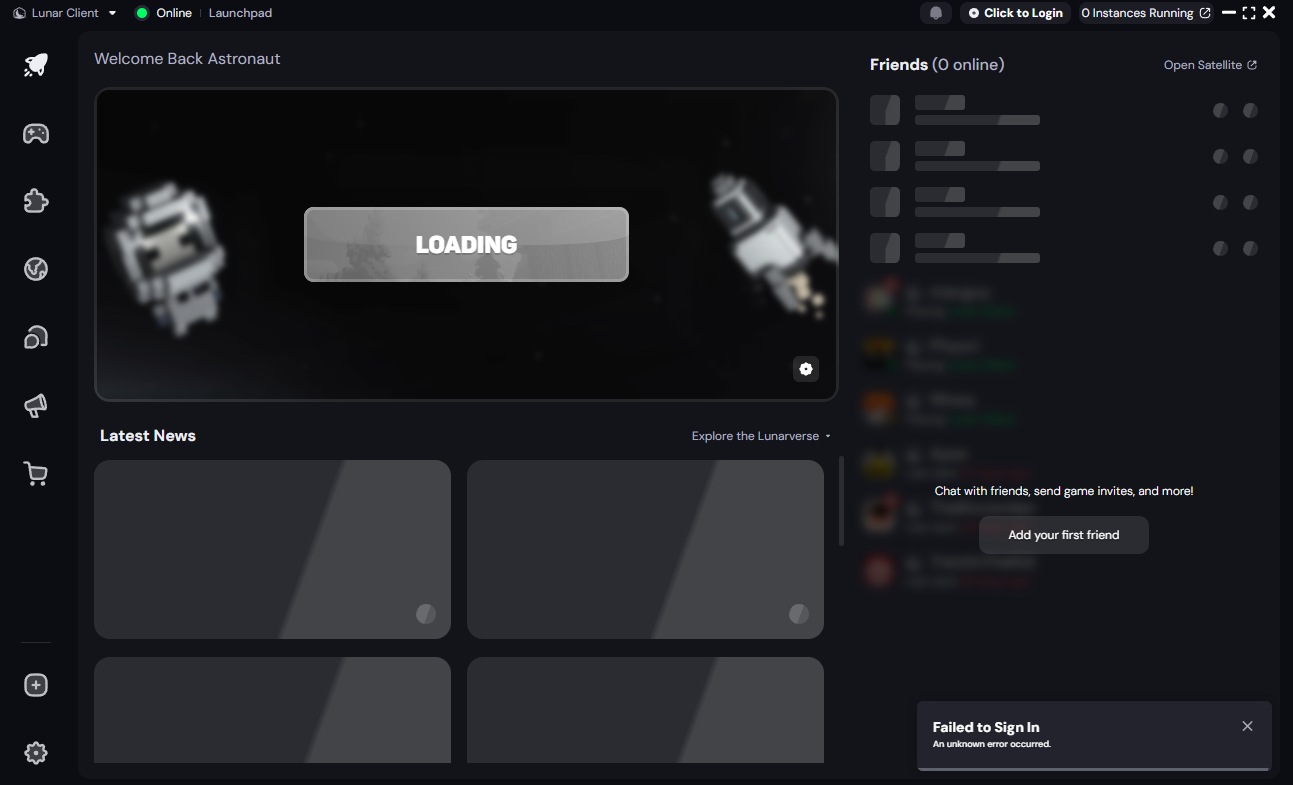
Please ensure you do not have any external programs which may be interfering with Lunar Client. If you do, please uninstall them. Then complete the following steps to fix the functionality of Lunar Client:
On MacOS:
- Open "terminal".
- Paste in "sudo nano /private/etc/hosts", without the quotes.
- Look for and delete any lines related to Mojang, Microsoft and or Lunar Client.
- Save the file and relaunch Lunar Client!
On Windows:
- Run "Notepad" as administrator.
- Click "File" at the top left then click "Open".
- In the bottom text box, paste in "C:\Windows\System32\Drivers\etc\hosts" without the quotes.
- Look for and delete any lines related to Mojang, Microsoft and or Lunar Client.
- Save the file and relaunch Lunar Client!
Finally, reset your stored accounts:
- Close Lunar Client completely
- Navigate to your Lunar Client directory:
- Windows:
%USERPROFILE%\.lunarclient\settings\game - macOS:
~/\.lunarclient/settings/game
- Windows:
- Delete the file named
accounts.json - Reopen Lunar Client and log in again
In the future please refrain from installing software which attempts to interfere with Lunar Client.
Was this article helpful?
That’s Great!
Thank you for your feedback
Sorry! We couldn't be helpful
Thank you for your feedback
Feedback sent
We appreciate your effort and will try to fix the article