Login to Lunar Client
How to equip Lunar Client Cosmetics
After you've purchased your desired Lunar Client Cosmetic, you will of course want to see it in-game.
After you've purchased your desired Lunar Client Cosmetic, you will of course want to see it in-game. To do that, follow the instructions below!
Instructions
Step 1: Open the Lunar Client Cosmetics menu
- Go into your Lunar Client main menu.
- Open the Lunar Cosmetics menu.
You can also open your Lunar Client cosmetic menu in-game through the Right Shift key.
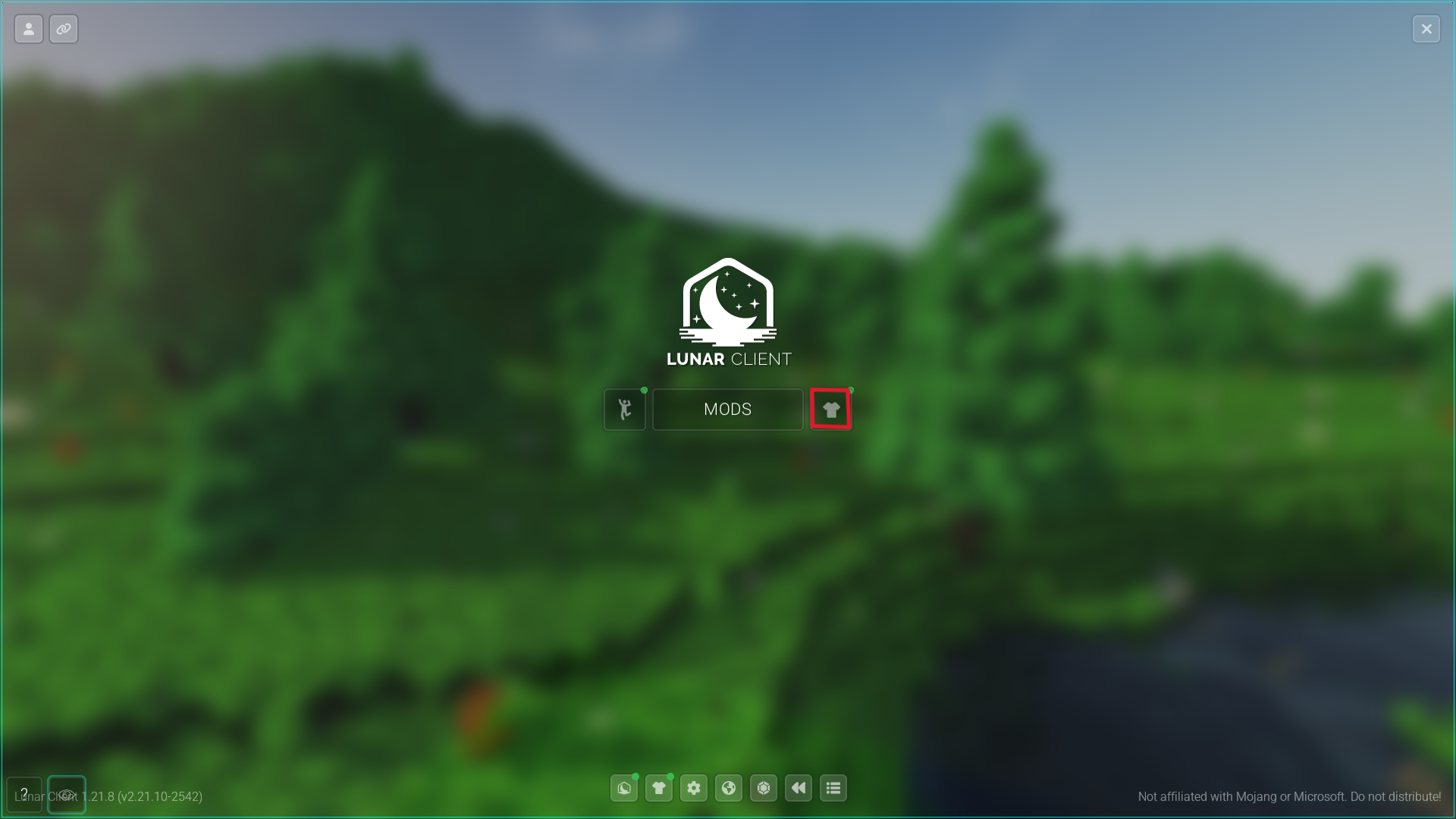
Newly purchased items will show a little green dot over their respective categories as demonstrated above.
Step 2: Enabling your Lunar Client Cosmetic
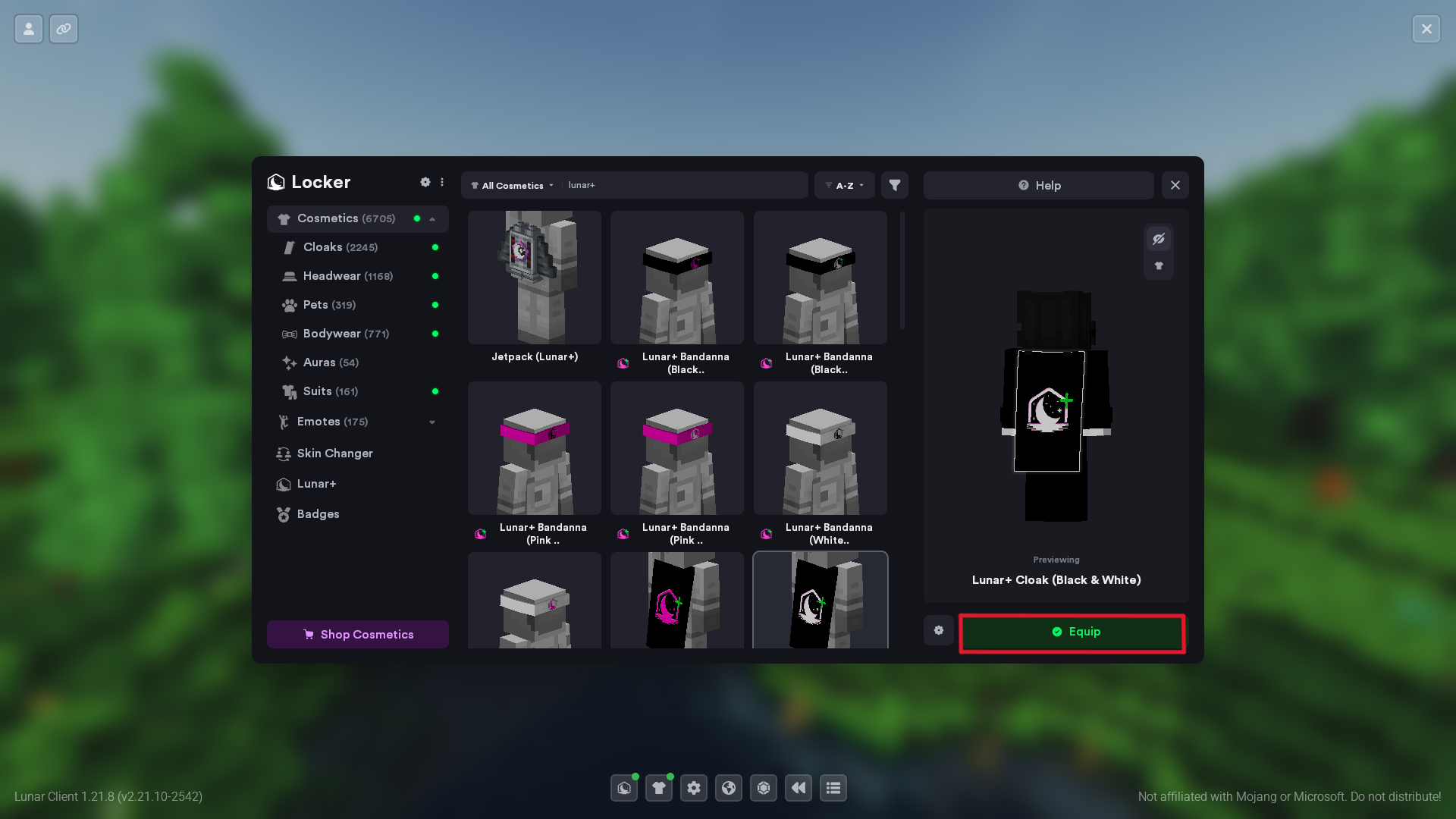
- Click your desired cosmetic.
- Click the Equip button below your character.
You can also unequip it from that same button.
More in Cosmetics
How to equip Lunar Client Emotes
After you've purchased your desired Lunar Client Emote, you will of course want to see it in-game.
Discord Cosmetic Rewards Not Appearing
Linked your Discord account, but your Lunar Client cosmetic reward isn't showing up? Follow these steps to verify your connection and check your eligibility.
© 2026 Moonsworth, LLC