Login to Lunar Client
External Software Interfering With Lunar Client
There are several symptoms which can be caused by external software interfering with Lunar Client. These includes
There are several symptoms which can be caused by external software interfering with Lunar Client. These includes:
- Logos not appearing in the tab list
- Locker/Satellite not loading
- Failures signing into the Launcher/Game
- The Launcher not loading at all
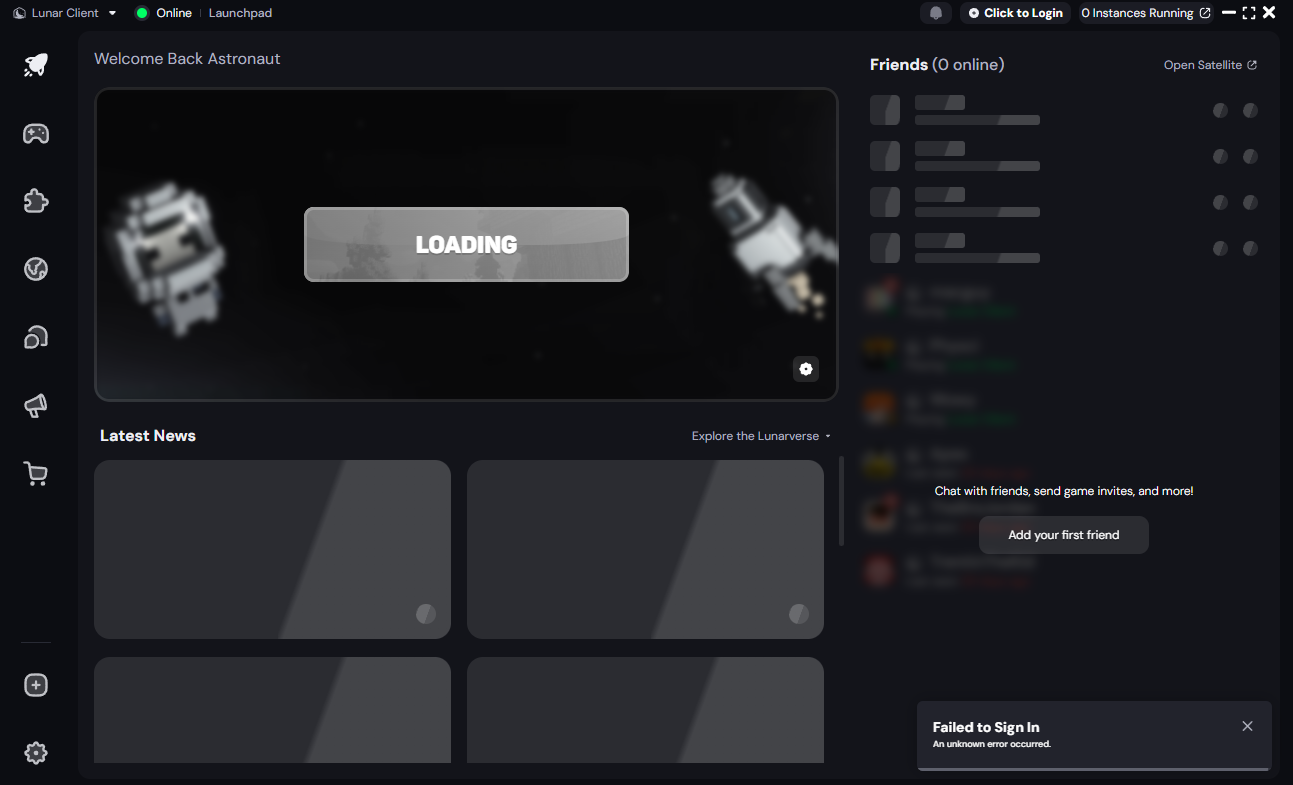
Please ensure you do not have any external programs which may be interfering with Lunar Client. If you do, please uninstall them. Then complete the following steps to fix the functionality of Lunar Client:
On MacOS:
- Open "terminal".
- Paste in "sudo nano /private/etc/hosts", without the quotes.
- Look for and delete any lines related to Mojang, Microsoft and or Lunar Client.
- Save the file and relaunch Lunar Client!
On Windows:
- Run "Notepad" as administrator.
- Click "File" at the top left then click "Open".
- In the bottom text box, paste in "C:\Windows\System32\Drivers\etc\hosts" without the quotes.
- Look for and delete any lines related to Mojang, Microsoft and or Lunar Client.
- Save the file and relaunch Lunar Client!
Finally, reset your stored accounts:
- Close Lunar Client completely
- Navigate to your Lunar Client directory:
- Windows:
%USERPROFILE%\.lunarclient\settings\game - macOS:
~/\.lunarclient/settings/game
- Windows:
- Delete the file named
accounts.json - Reopen Lunar Client and log in again
In the future please refrain from installing software which attempts to interfere with Lunar Client.
More in General Issues
Lunar Client logos not appearing
Lunar Client logos next to names indicate that a user is currently playing on Lunar Client.
Lunar Client using Integrated Graphics
Laptops usually come with two graphics cards: the integrated graphics used for power-efficiency and the dedicated graphics used for tasks…
No Lunar Client shortcut
Lunar Client was not able to create a shortcut on your desktop or Start Menu folder, so the launcher will not appear in Windows Search.
Can't hear sound in game
If Lunar Client's sound is not functioning, please follow the steps below.
Lunar Client launcher is infinitely refreshing on start-up
If the Lunar Client launcher opens and infinitely refreshes, it's likely due to having package.json file in your user folder.
Multiplayer Access Disabled
© 2026 Moonsworth, LLC